
Start with a concrete game idea and the controls, style, and scoring you want.
PlayWorks creator stack
Browser game maker for playable HTML5 games
Build for the browser from the start. Playworks focuses on HTML5 game drafts that players can open quickly, understand quickly, and replay without a native install.
HTML5 canvas game outputBrowser play without native installPublic pages for generated games
Build loop
Move from idea to playable browser build without leaving the creator flow.
Describe the game you want and generate a playable draft.
Publish with leaderboard and reward settings when the build is ready.
Prompt starting point
Make an endless runner where the player jumps over drones, ducks under lasers, collects batteries, and the speed increases every 20 seconds with distance-based scoring.
Choose what you need next
Use the page as a short path instead of reading every section in order.
Prompt examples by genre
Copy a complete starter prompt, then change the controls, theme, scoring rule, or win condition.
Keyboard arcade
Responsive browser controls
Make a keyboard-first browser arcade game with arrow-key movement, one obstacle type, one collectible, visible score, clear collision feedback, result screen, restart button, and no required download.
Reference: GalaSnake
Snake
Small-screen readable loop
Make a browser Snake game with arrow-key and swipe controls, large grid cells, visible food, score UI, wall collision, self collision, speed ramp, result screen, and restart button.
Reference: GalaSnake
Tank defense
Arena action loop
Make a browser tank defense game with WASD movement, keyboard shooting, enemy waves, health, cover objects, score per enemy, result screen, restart button, and readable HUD text.
Reference: Battle Tanks
Tap challenge
Mobile browser loop
Make a tap-to-dodge browser game with touch buttons, falling hazards, collectible shields, survival timer, score UI, game-over state, result screen, and restart button sized for mobile.
Reference: Armor Plated
Published Playworks examples
Play a live example here, then use the public game pages as references for prompt scope, readable HUDs, scoring, and restart loops.
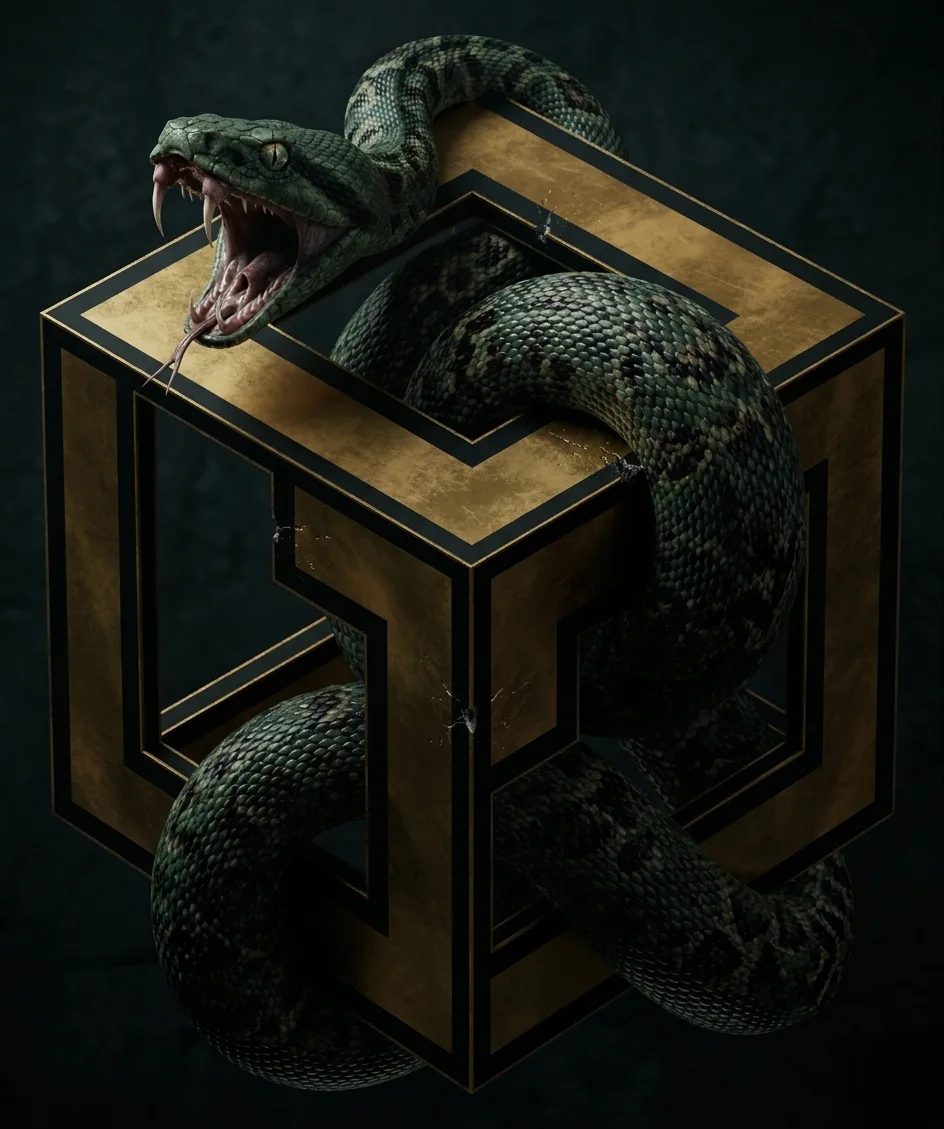
Classic score-loop reference for clear controls, growth, collision, pickups, and a fast restart.
Prompt focus: arrow-key movement, pickups, collision rules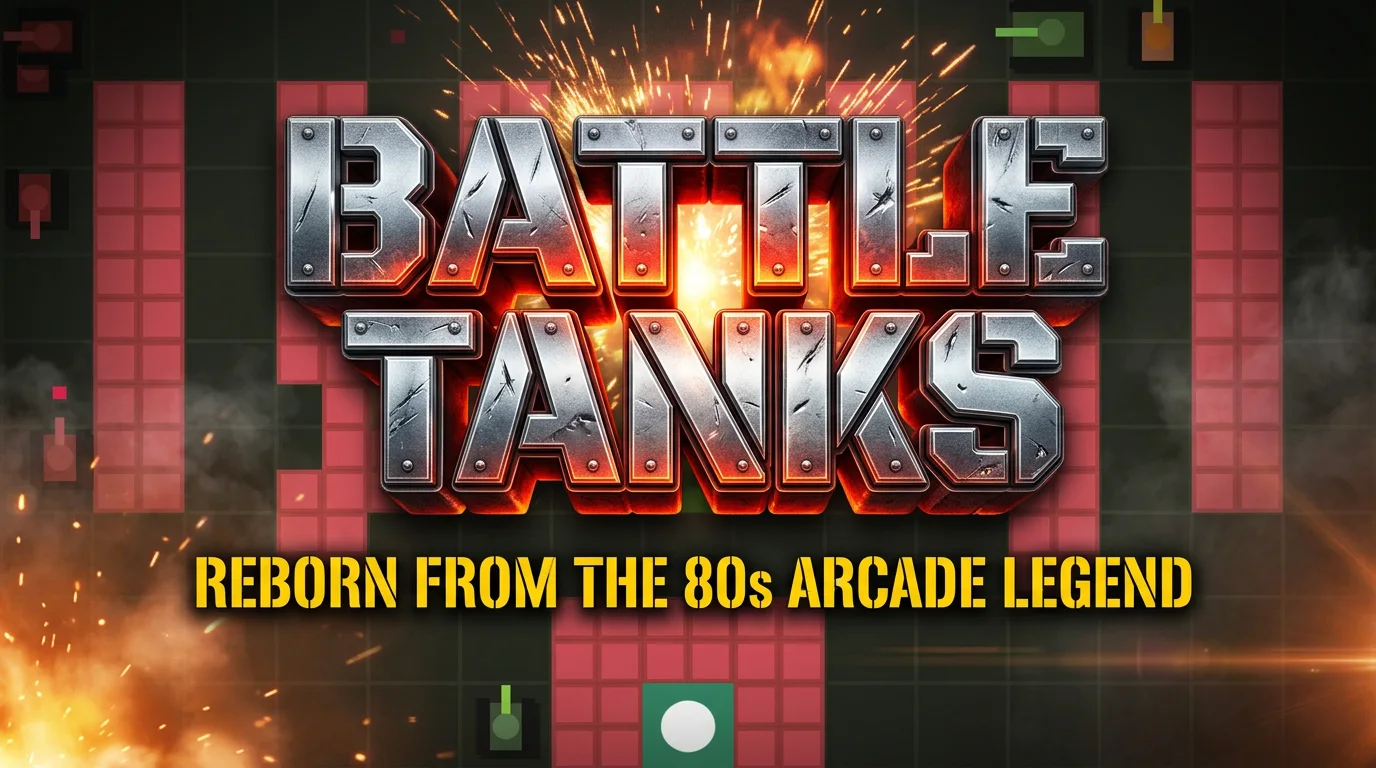
Shooter reference for directional movement, projectile rules, enemy pressure, damage feedback, and arena scoring.
Prompt focus: movement, projectiles, damage, arena score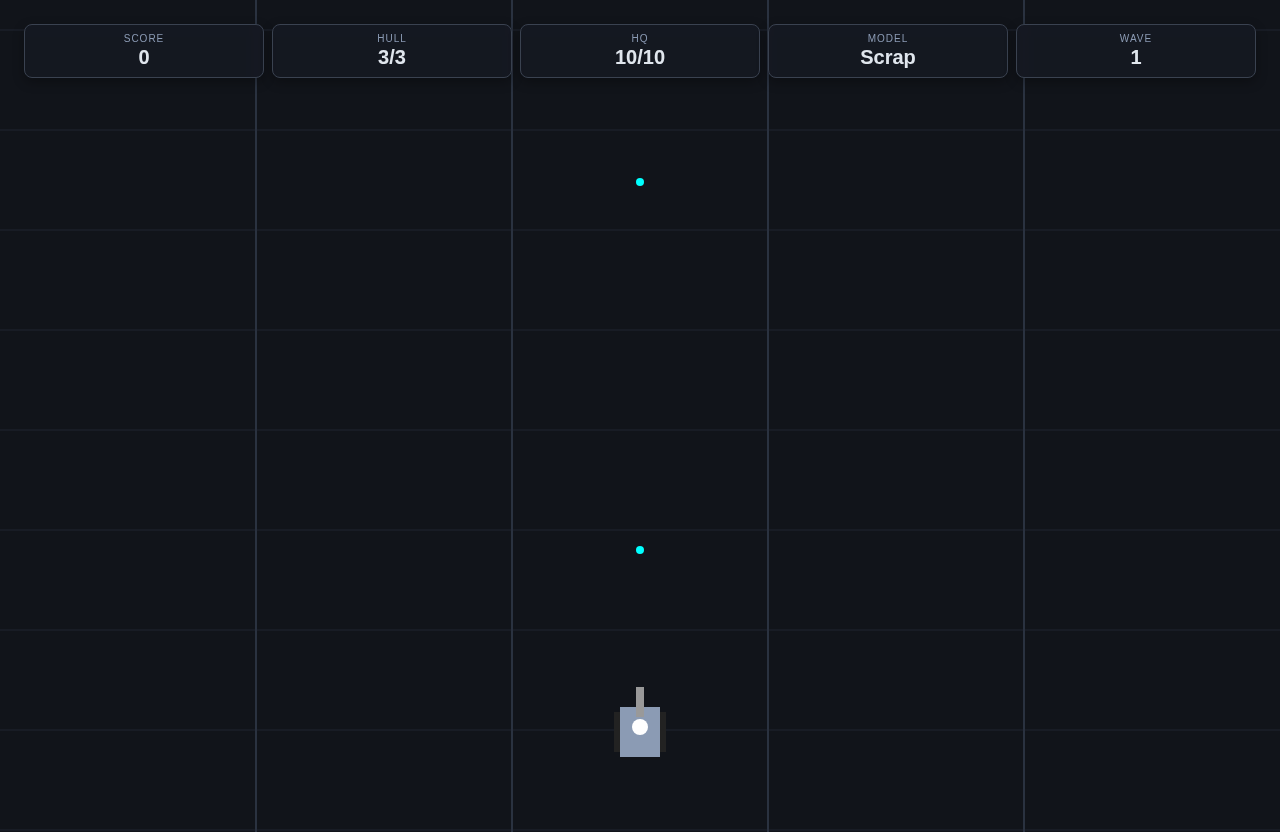
Action-game reference for movement clarity, public game-page copy, leaderboard proof, and visible game state.
Prompt focus: combat feedback, scoring, public page readiness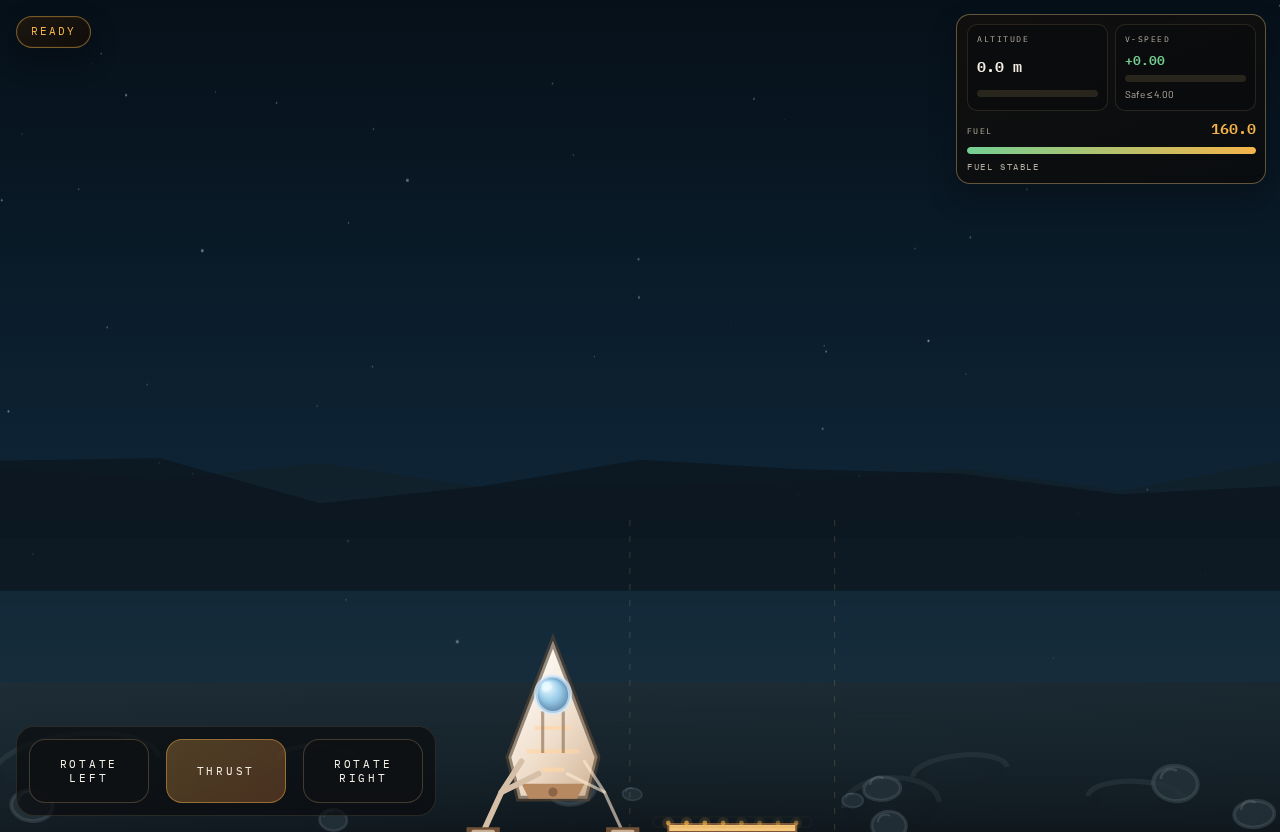
Precision arcade reference for thrust, fuel pressure, crash state, landing score, and replay pacing.
Prompt focus: thrust controls, fuel limit, landing scoreBefore and after prompt refinements
The best prompts describe the player verb, scoring, fail state, feedback, and what should happen after a run ends.
Too vague to generate a playable loop
Before
Make a fun arcade game.
After
Make a one-screen asteroid dodger with arrow-key movement, three hazard speeds, fuel pickups, score combos, collision damage, result screen, restart button, and leaderboard score hook.
The improved prompt names the player verb, hazards, pickups, score events, damage rule, end state, and publishing-ready score behavior.
Theme without testable rules
Before
Make a neon cyber game where the player survives as long as possible.
After
Make a top-down neon survival game where the player moves with WASD, dodges drones, collects battery cells for 100 points, loses one health on collision, survives for 90 seconds, and can restart from a result screen.
The revised prompt turns the theme into measurable mechanics that can be tested within the first minute.
Browser-first changes the design brief
A browser game needs immediate clarity. Players should know what to press, what to avoid, what score means, and how to restart without installing anything or reading a long manual.
- Use keyboard or simple pointer controls for the first draft.
- Keep HUD text readable on laptop and mobile widths.
- Make restart and replay faster than a full page reload.
HTML5 drafts need practical constraints
Playworks generation is strongest when the prompt fits a browser-native game shape. Ask for a focused canvas game, visible controls, clear score events, and performance-friendly effects.
- Good formats: arcade lander, Snake, shooter, platformer, runner, puzzle, tower defense.
- Avoid asking for huge maps, multiplayer, or engine-specific features in the first prompt.
- Use one public page and one score loop before adding complexity.
Public pages make browser games shareable
The point is not only to generate code. A browser game should have a public page with title, description, cover, play entry, leaderboard context, and reward details when applicable.
- Use public examples to compare cover art, title clarity, and play calls to action.
- Make player instructions match the actual controls.
- Use leaderboard pages when repeatable scores are part of the game.
Scoring is the bridge to leaderboards
Browser games rank better as products when players can replay and compare runs. Design scoring so it rewards skill and produces a final number players understand before they submit.
- Tie score to pickups, survival, clean waves, remaining time, or accuracy.
- Show the score during play and at game over.
- Use the same final score in leaderboard copy.
Tutorial steps
- Choose a browser-friendly format and input method.
- Prompt for visible controls, HUD, score, fail state, and restart flow.
- Test the draft in the browser and check readability at smaller widths.
- Prepare the public page with title, cover, controls, and player objective.
- Add leaderboard or reward settings after score submission is clear.
Mechanics to include
- Keep first-play understanding under 10 seconds.
- Use simple controls that work without gamepad assumptions.
- Make the canvas readable at common laptop and mobile sizes.
- Use fast restart for arcade loops.
- Keep final score visible before submission.
Common mistakes to avoid
- Designing like a native game before proving browser play.
- Using tiny HUD text or unclear controls.
- Forgetting how the public page explains the objective.
- Making the score feel random or disconnected from skill.
- Adding large effects that make the game harder to read.
Common failure modes and fixes
When a generated draft feels off, adjust one part of the prompt and run a focused revision.
The draft looks fine but the player does not know what to do.
- Likely cause
- The prompt named a theme but did not name the objective, HUD copy, or first player action.
- Fix prompt
- Add a start screen that says the objective in one sentence, show controls beside the play button, and make the first collectible or target visible within two seconds.
Scoring feels random or hard to compare on a leaderboard.
- Likely cause
- The prompt did not define exactly when score changes or what score is submitted at game over.
- Fix prompt
- Use one visible score value. Add 10 points for each pickup, 50 points for each clean objective, subtract no hidden points, and submit the final score only after the result screen appears.
Players cannot replay quickly after losing.
- Likely cause
- The first prompt skipped the fail state and restart behavior.
- Fix prompt
- When the player fails, pause movement, show final score, explain the cause, and add a restart button that resets position, score, timer, enemies, and pickups.
Next actions
Related tutorials
Walk through prompt writing, first-draft testing, refinement, and publishing preparation.
Review browser-first controls, game loops, public pages, and player expectations.
Prepare title, description, preview, validation, and release checks before publishing.
Design score submission and ranking after browser play works.
Related paths
Start from a browser-friendly runner prompt.
Review browser game design and publishing basics.
Generate the first playable browser draft.
Use the full creation and publish workflow.
Pick a browser game shape before prompting.
Open public browser games built for Playworks.